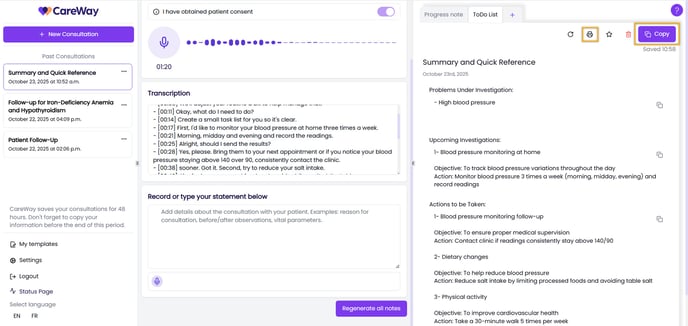
The patient handout can be accessed from the menu of note types to generate.
Steps to follow:
- Access Note Settings
- Click on Note Settings if you only wish to generate a patient handout, or
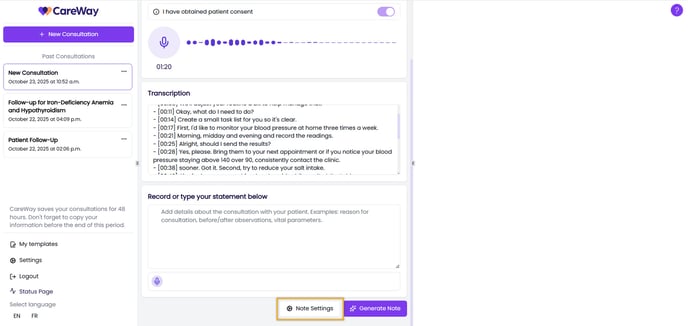
- Click on the + icon to add another note if you want to generate a handout after creating your consultation note.
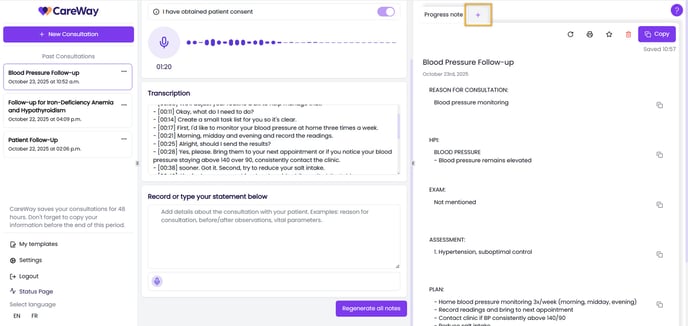
- Click on Note Settings if you only wish to generate a patient handout, or
- Select the note type
- Choose Patient Handout, then click Generate note.
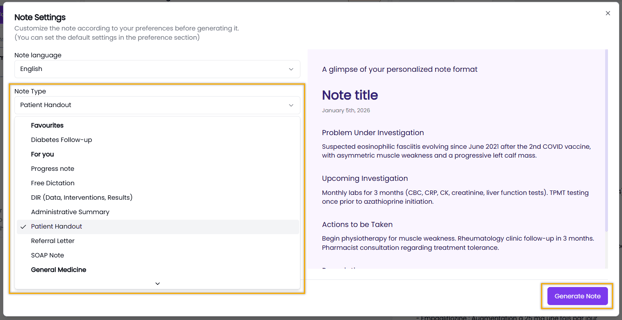
- Choose Patient Handout, then click Generate note.
- Provide the document to the patient
- Print the handout and give it directly to the patient, or
- Copy the note content and paste it into a message to send by email or through a patient portal.