
Generating a Note
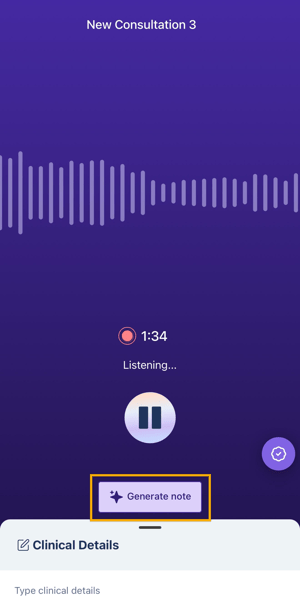
1. Once you are done recording a consultation, tap Generate Note.
CareWay creates a note using your default preferences, including Note style, Note type or template and Language. These preferences can be configured in the web application.
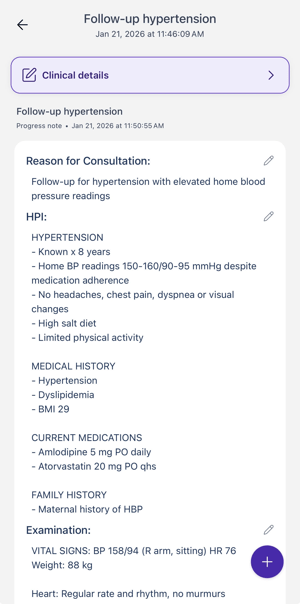
2. All generated notes can be accessed in the All Consultations tab of the mobile app and within the web app, where the note may be regenerated with other note configurations.
Editing a Generated Note
Once your note appears on the screen:
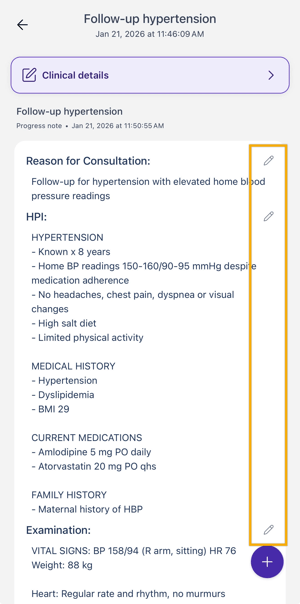
1. Edit the different sections of the note by clicking on the pen icon on the right of each section.
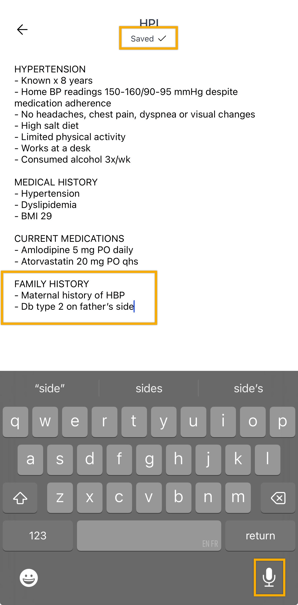
You can type the text using the keyboard or dictate using the voice dictation feature integrated into your mobile phone.
Regenerating a Note
Once the note has been generated, it can be regenerated using a different type of note or template, and a different note style.
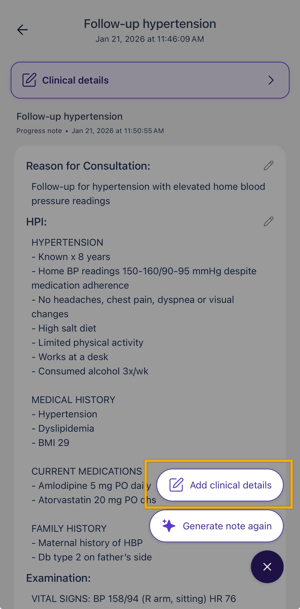
1. Click on the + at the bottom right and click on Generate note again.
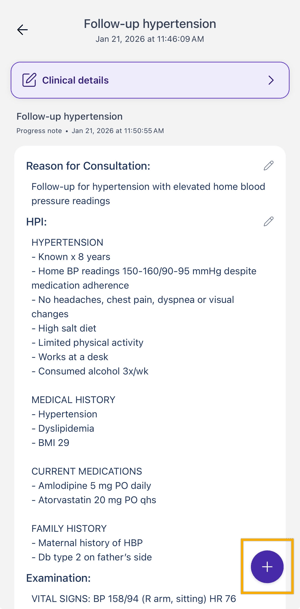
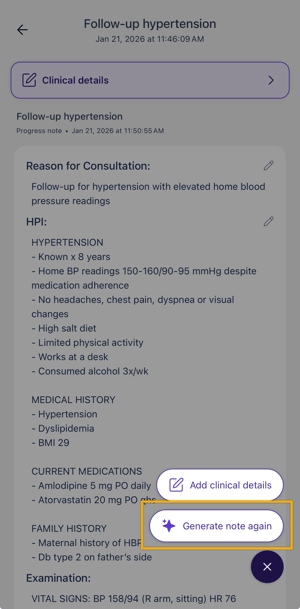
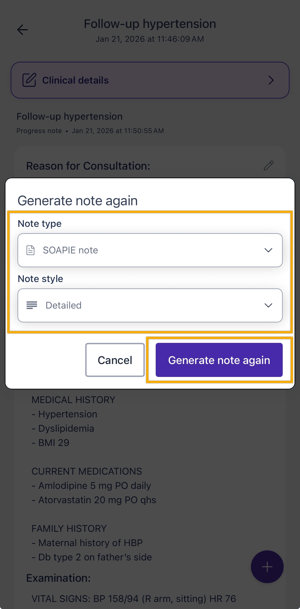
2. Select the new type of note and/or new Note Style: Brief or Detailed. Click on Generate note again.
Your custom templates are included in the list of note types and those saved as favorites appear at the top of the list.
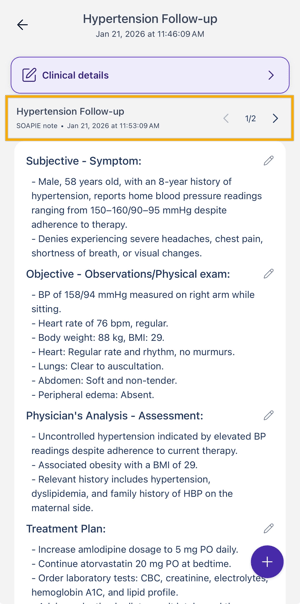
3. Your new note is available and you have access to all notes generated for that consultation at the top of the page.
Adding Clinical Details
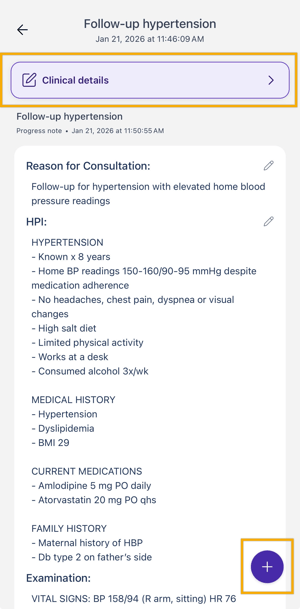
Adding clinical details helps enhance the note with additional elements such as observations, data or further analysis. Once the note has been generated, you can add clinical details as follows:
-
Click Clinical Details at the top of the note, or tap the + at the bottom of the screen, then select Add Clinical Details.
-
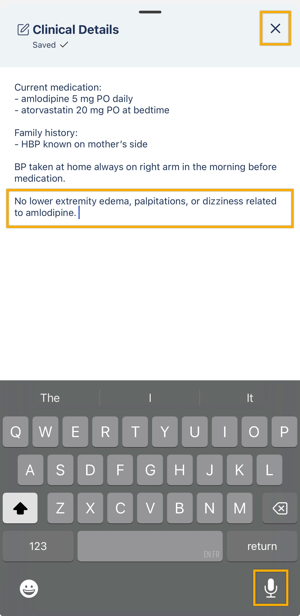
Enter all required information in the text box. Changes are saved automatically.
-
Click the X in the top-right corner, and CareWay will regenerate the note.